
Local AI Server - Hardware
Part 2

Why Hardware Matters
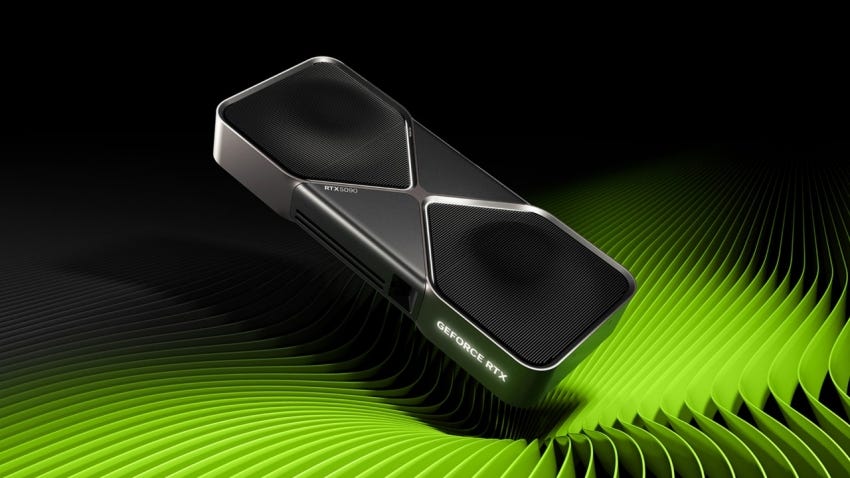
I’ve noticed most conversations about LLMs revolve around software abstractions. Whether they concern model architecture, prompt engineering, or agent frameworks, as an LLM user, we are often abstracted away from the hardware components required to actually run inference.
When running inference locally, I quickly saw that hardware becomes a dominant constraint. To really understand why, let’s first understand the background behind these open-source LLM models.
Understanding Model Size and Memory Constraints
When people talk about LLM size (1.5B, 7B, etc), they are talking about the number of trainable parameters in the model. A parameter is a weight (a number) that, during inference, lives in GPU memory. This means that the model size we can run is directly correlated to the size of our VRAM (high-speed memory on a graphics card). More parameters mean the model has more learned capacity, allowing it to represent more complex patterns, relationships, and behaviors in language.
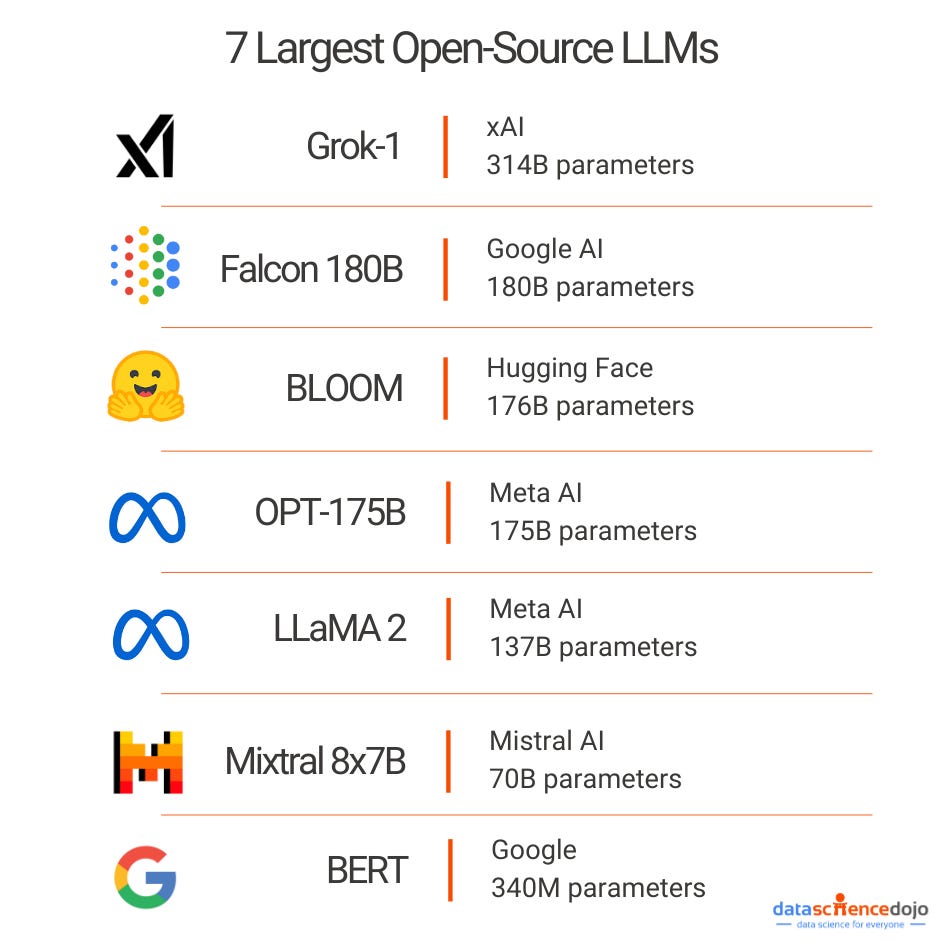
This means that, at a minimum, our model must fit its weights into our GPU VRAM to run. While this is pretty surface-level, I also learned that during inference, our models also maintain a key-value (KV) cache. This KV cache grows linearly as our context length grows. This means that, depending on our model, our KV cache can use up hundreds of KB per token, which means for even a relatively small context window of 8-16K tokens, we might need several additional gigabytes of VRAM on top of our model weights.
Aside: I discovered this through trial and error, funny enough. I was trying to run DeepSeek-R1-Distill-Qwen-7B on an RTX 3080 with 10 GB of VRAM. According to the NVIDIA guide I was referencing, they said I could run this model with ~9 GB of VRAM, but even with 10 GB, I kept getting out of memory (OOM) errors. It took me a while to debug, but I eventually realized this was due to two factors.
First, the 3080 was also driving my display, which permanently reserved a chunk of VRAM for the desktop and graphics stack. Second, while the model weights technically fit, the KV cache grew with every token, consuming the remaining headroom until the process failed.
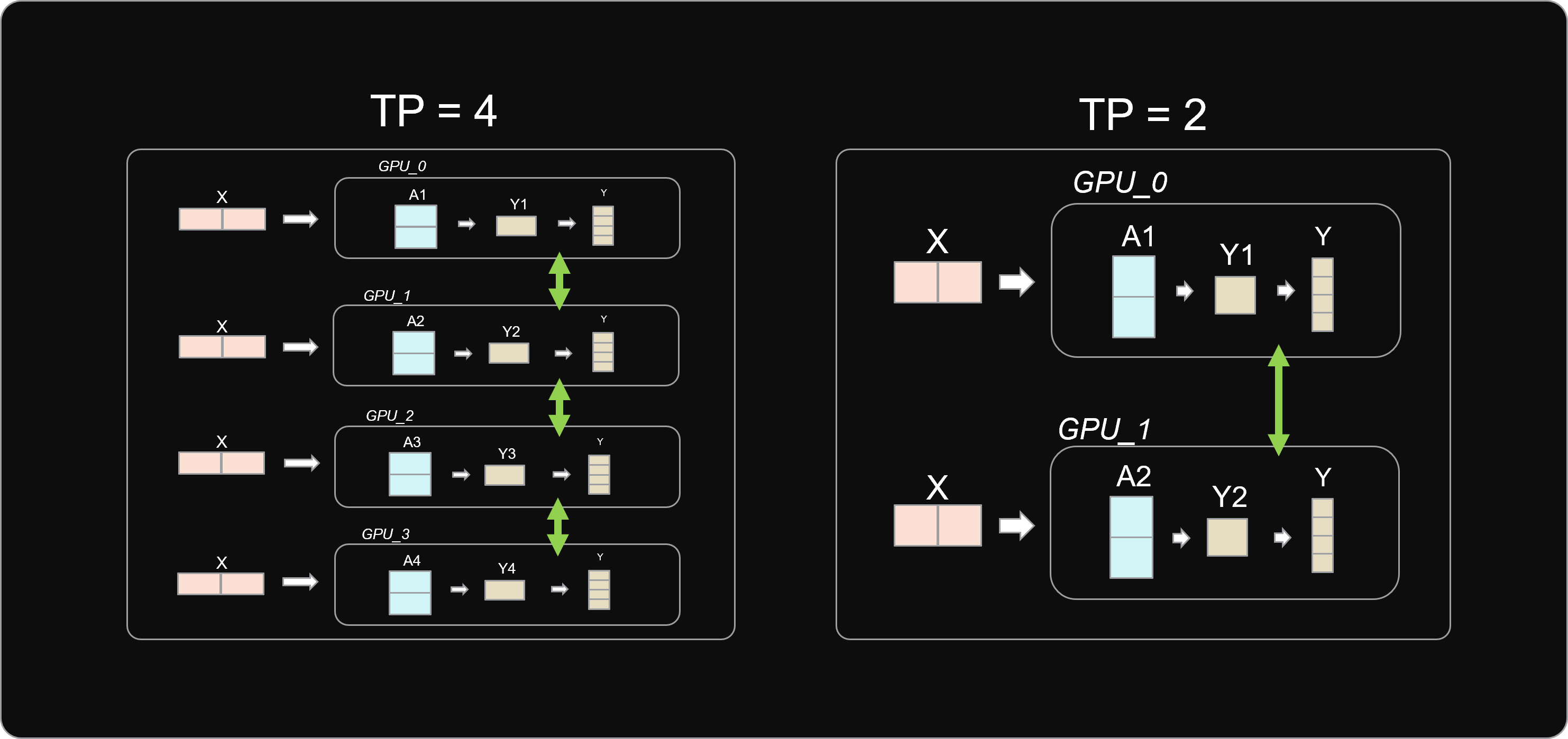
To get around our VRAM limits, I found out that systems rely on tensor parallelism (TP), which splits the model’s weight tensors across multiple GPUs. Instead of each GPU holding the full model, each one stores a shard and computes part of each layer. This makes larger models feasible on consumer hardware.
This also introduces some tradeoffs. TP relies on frequent communication between GPUs. On enterprise hardware, this overhead is usually negligible, but as I don’t have things like NVLink and my GPUs communicate over PCIe, latency can become a bottleneck.
My Hardware Journey
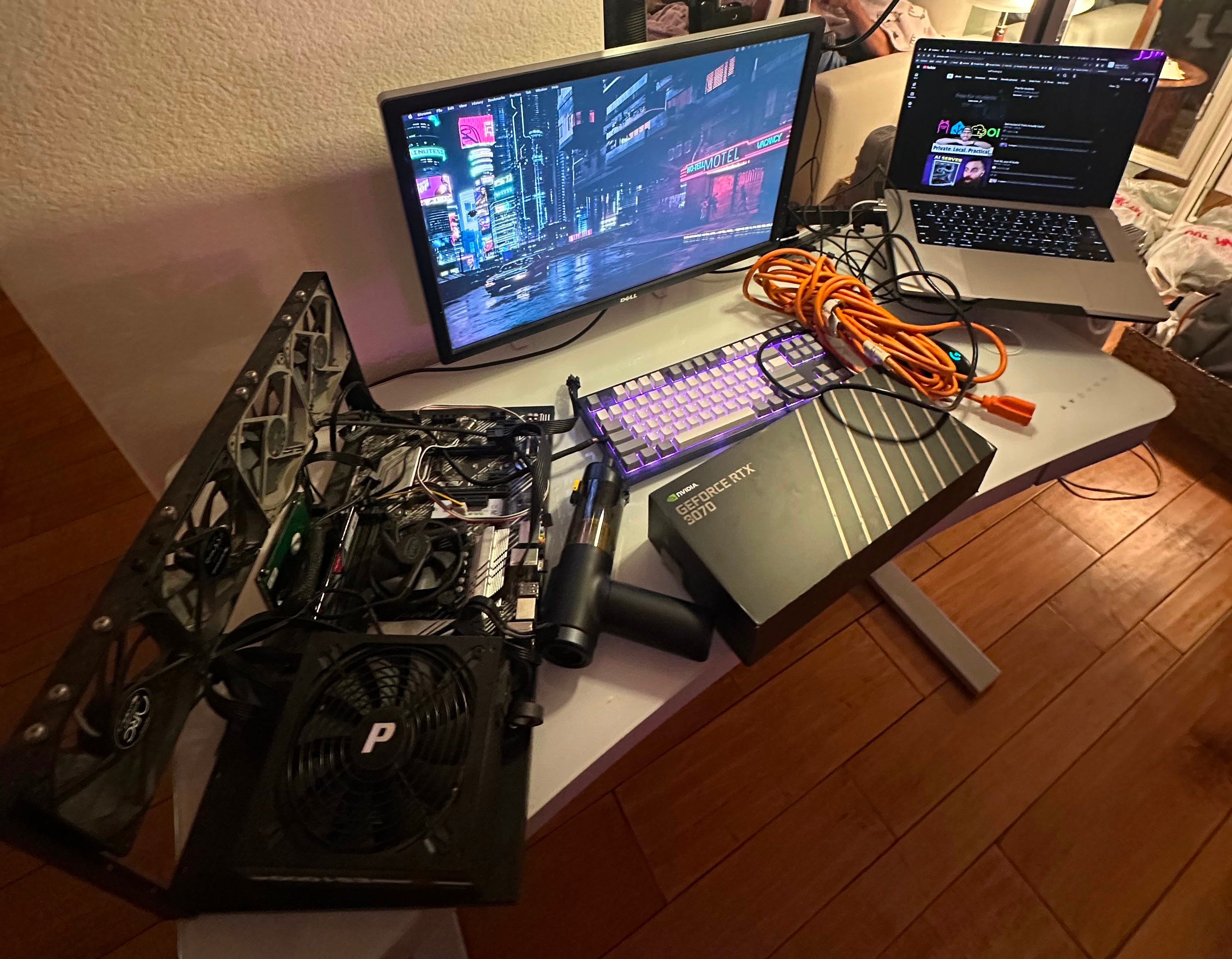
Before I describe my hardware, I want to preface that my setup is not pretty. My main goal when building this was to reuse hardware from my mining rig and spend as little as possible. That being said, that’s my rig above, which had a 1200W PSU, an 11th-gen i5 CPU, and an ASUS motherboard with enough PCIe lanes to run 4+ graphics cards. My first thought was to wipe HiveOS (check it out if you plan to mine) and install Linux. Before I could even get there, I hit my first roadblock.
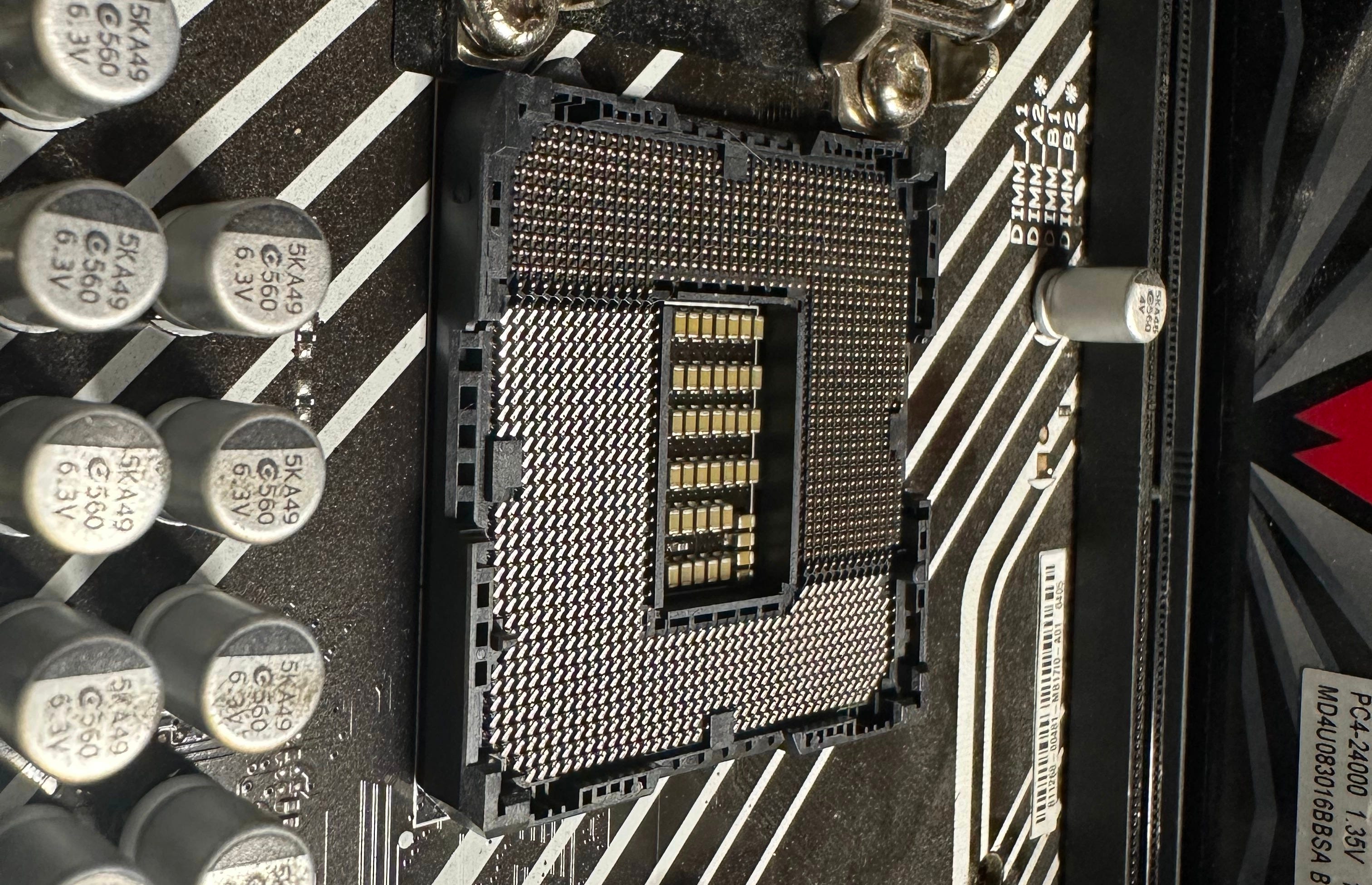
Half of my CPU socket pins were bent 💀. No wonder nothing was working on my rig. Rather than buy a new motherboard, I decided I would just retrofit my old gaming PC and use that to save money.
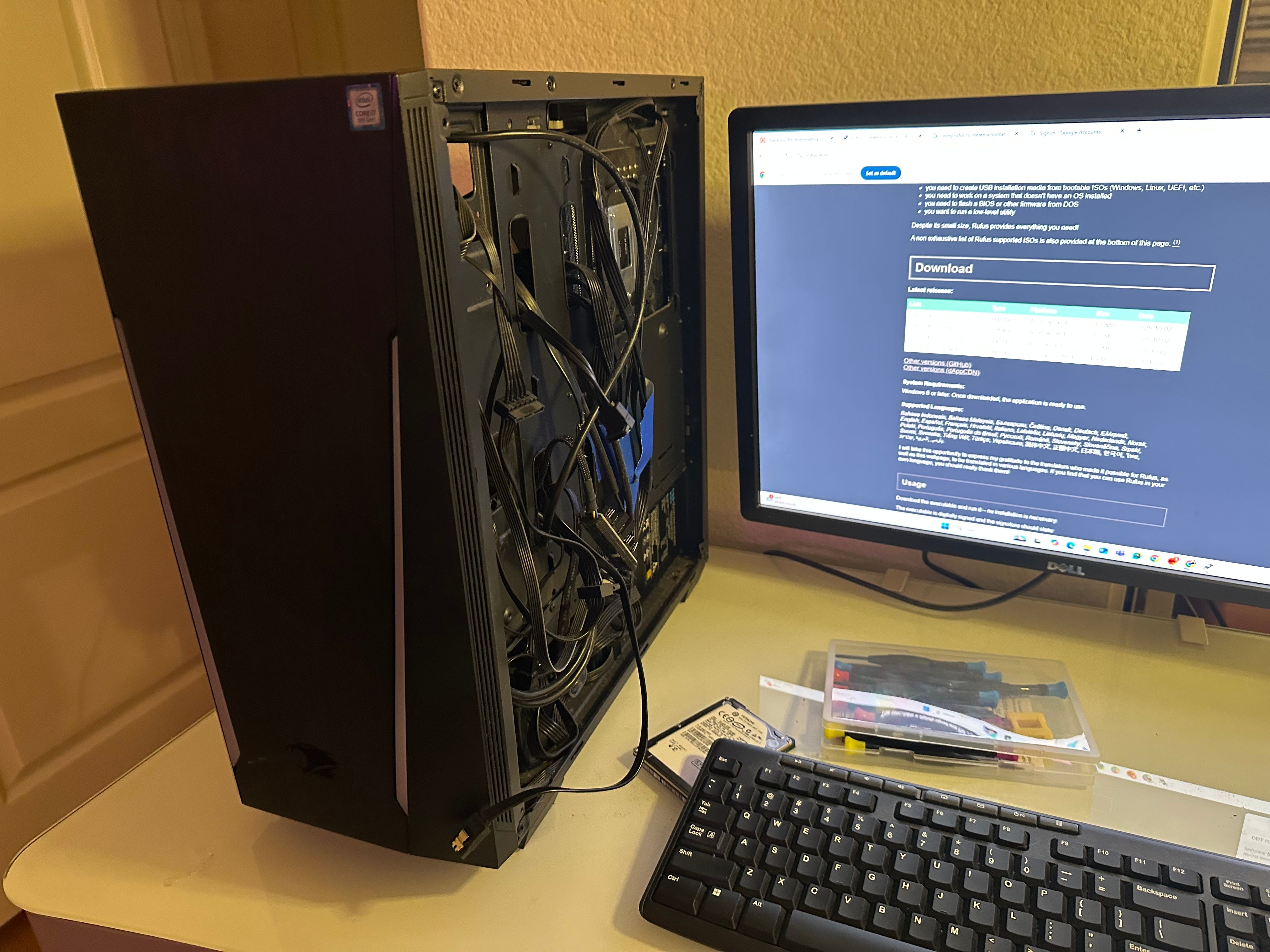
I quickly installed Linux and started playing around with ollama, but more on that later. My next hardware problem was power. Each graphics card in this setup uses ~250W, and my PC only has a 650W power supply, enough to power 2 cards but not the 4 I want to run. Rather than swap in my 1200W PSU into my PC (too much wiring work), I decided to buy a dual PSU adapter. This basically starts my mining rig PSU without a separate motherboard, allowing the external PSU to power any other GPUs I decide to add to this server.
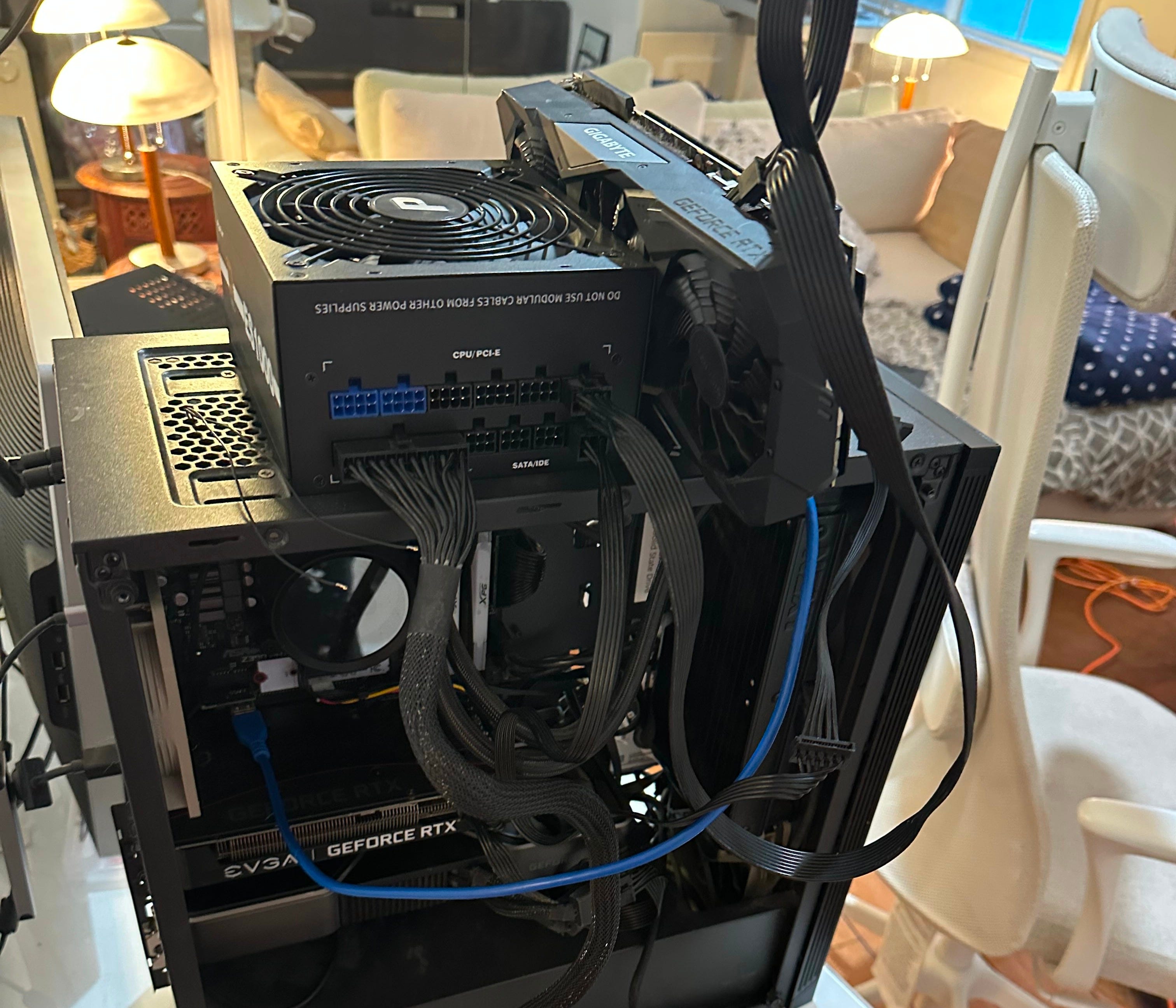
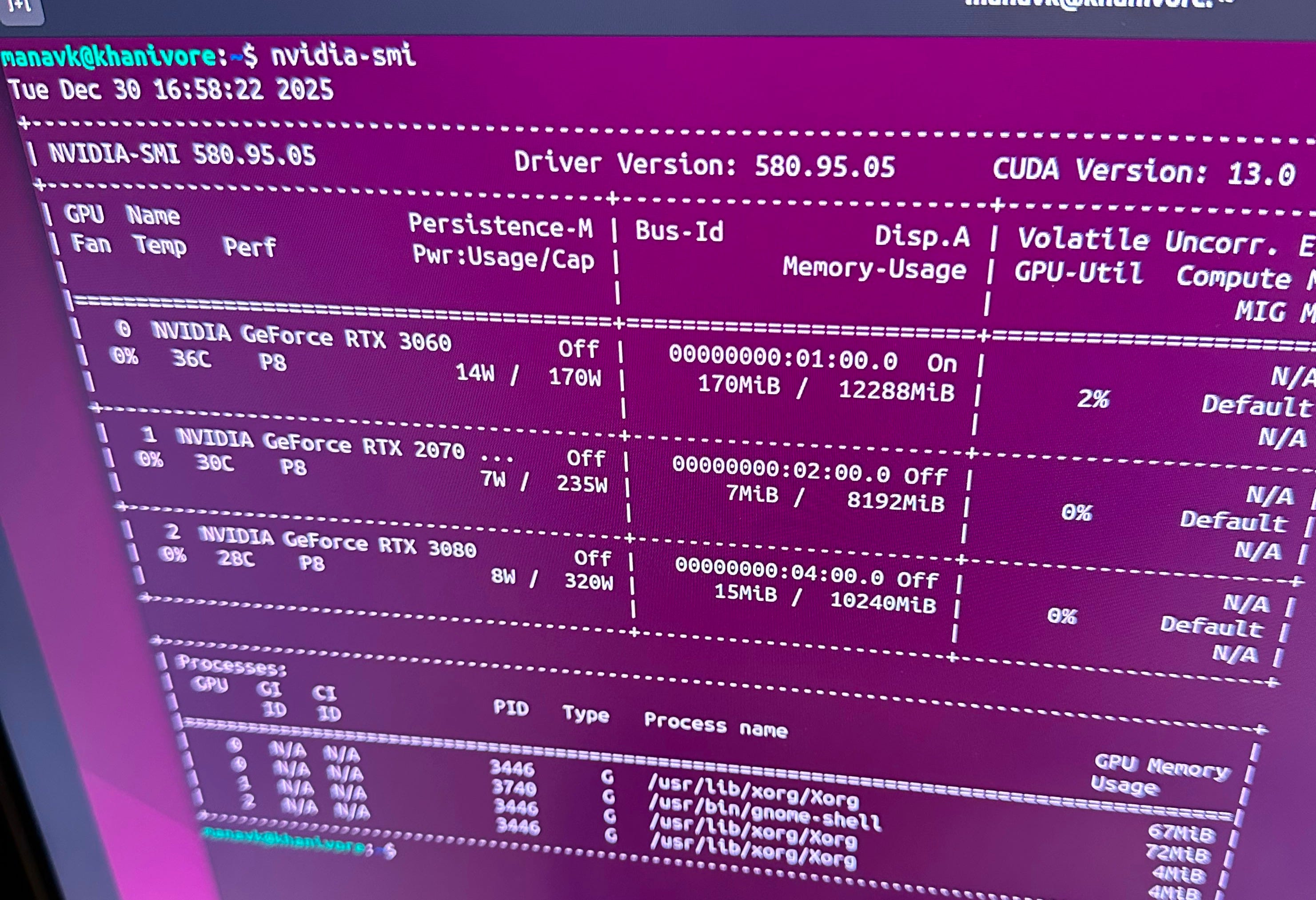
As a proof of concept, I proceeded to run power through that new board and use my external PSU to power a 2070 connected to a riser (learn more about what risers do here), and everything seemed to work! Running nvidia-smi showed me all 3 GPU’s and I could use each GPU when running smaller models.
Now I wanted to make this setup more sturdy (I was previously holding the 2070 with my finger while running prompts), so I decided to retrofit the old mining rig frame on top of the pc to easily fit and wire all my GPUs.
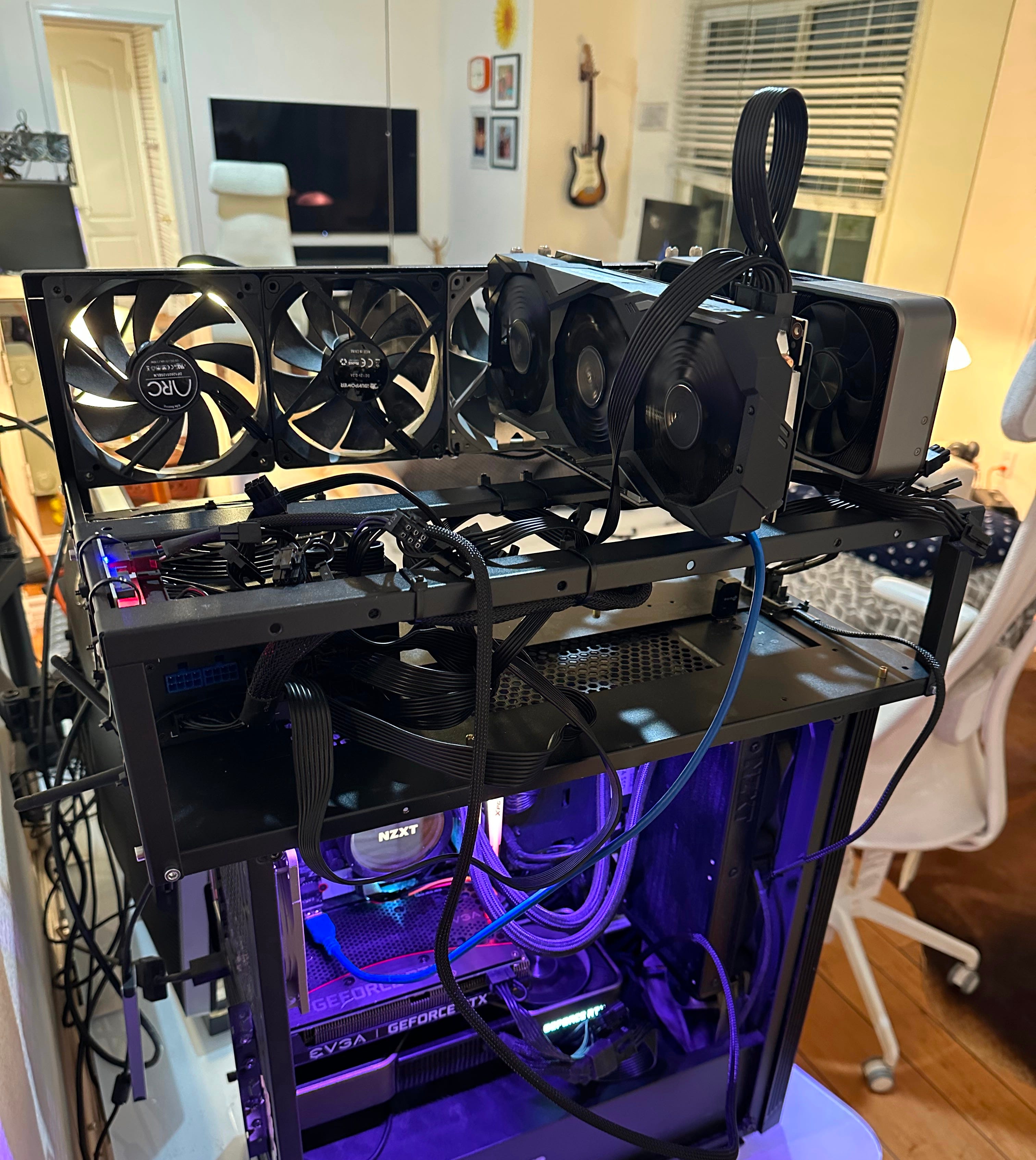
I’ve made a couple of updates since the picture above, but this shows the overall gist of the rig. I’m running an RTX 3080, 3070, and two 3060s. The reason I left out the additional 2070 I owned was due to how model parameters are distributed in multi-GPU setups.
When using tensor parallelism, the model’s weight tensors are split evenly across GPUs, which means the total parameter count must be divisible by the number of participating devices. In practice, this also assumes roughly similar VRAM capacity and performance across GPUs. Introducing an odd or significantly weaker card forces uneven sharding and incompatibility with many inference engines, making the entire setup slower.
With the hardware laid out, it’s time to start making things actually run. From here on, the focus shifts to software: drivers, CUDA, inference engines, and everything in between required to turn my pile of GPUs into a usable system.